
Push-to-talk intercom for live production
Headset comms for your show, on the phones your crew already carry.
Start a room, read out the code, and your crew are on comms in under 30 seconds. Crew join free.
- Free to try.
- No hardware.
- No accounts for crew.
One plan, whole crew
One payment covers everyone on comms.
Not $10 a month for every person on headset. The host buys one plan, and the crew join free with a code and a name: staff, freelancers, students and volunteers alike.
Why AthenaComm
Take headset comms anywhere, without the hardware bill.
Wired or wireless intercom means base stations, beltpacks and headsets that cost thousands to buy or rent, and only reach as far as the cable or the radio.
AthenaComm gives you headset comms anywhere there's Wi-Fi or mobile data, on the phones and earbuds your crew already have, for one plan the host pays.
- No hardwareNothing to buy, rent, charge or ship.
- AnywhereThe booth, the fly floor, the parking lot, the next building, another city.
- One plan covers the roomCrew never pay or sign up.
Built for production
For the people who run the show.
- TheatreStage management, LX, sound, deck and fly, from tech to closing night.
- SchoolsStudent crews on proper comms, with no hardware budget.
- Houses of worshipProduction teams for services, on the phones volunteers already have.
- Corporate AV and eventsShow callers, stage managers and techs, across rooms and venues.
- TouringThe same show code in every city, and nothing to pack.
How it works
On comms in three steps.
-
Start a room
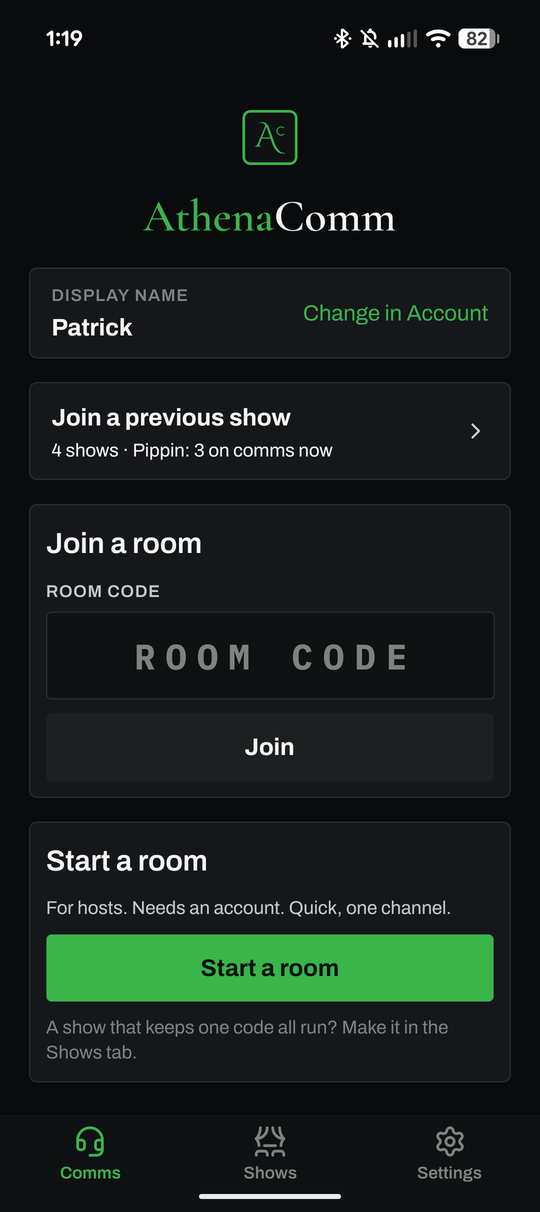
The host taps Start a room, or opens a show that keeps its code all run.
-
Share the code or QR
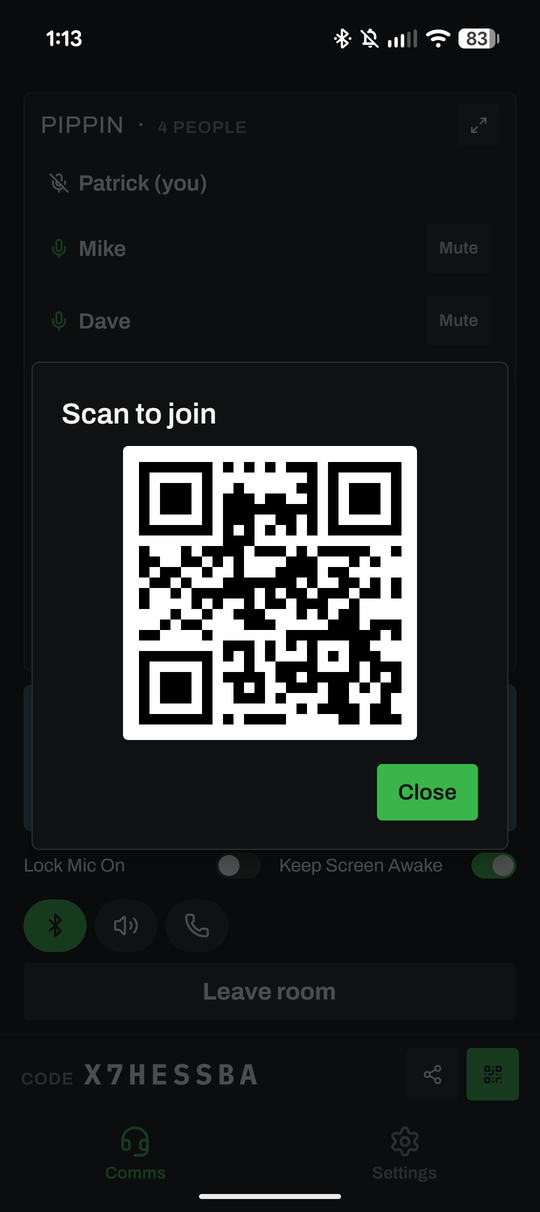
Read the code out, text the link, or hold up the QR. Crew type the code and a name like "LX".
-
Everyone talks
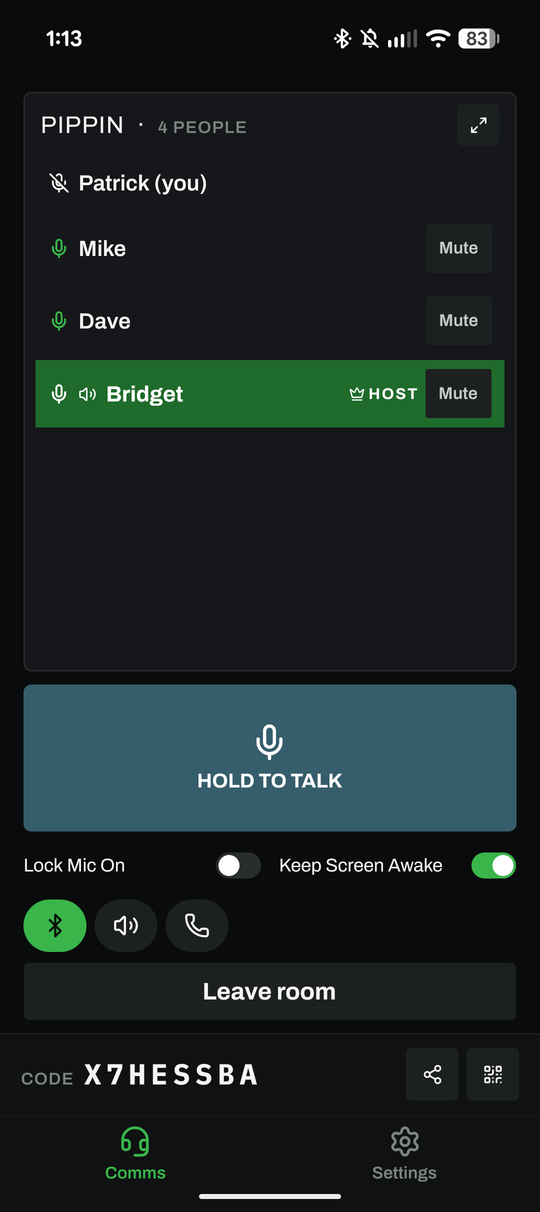
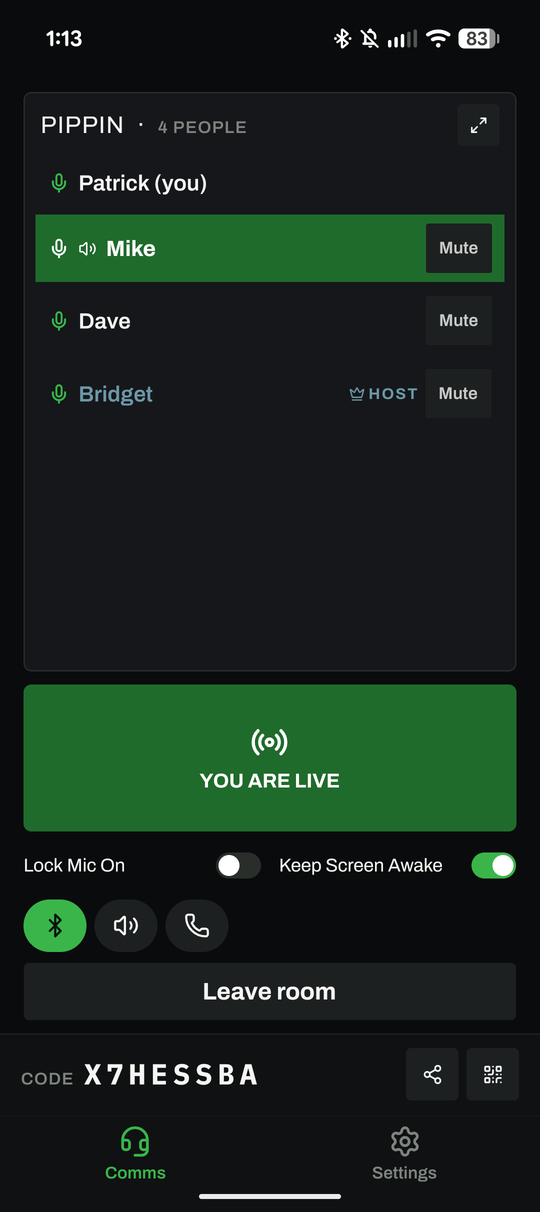
Hold to talk. The button turns green and says "You are live", and everyone sees who's talking.
Features
Made for a long night in the booth.
Push to talk and Lock Mic On
Hold the big button to talk, or lock your mic on and keep your hands free.
You are live
The button turns green and says "You are live", so nobody is on air by accident.
Calls
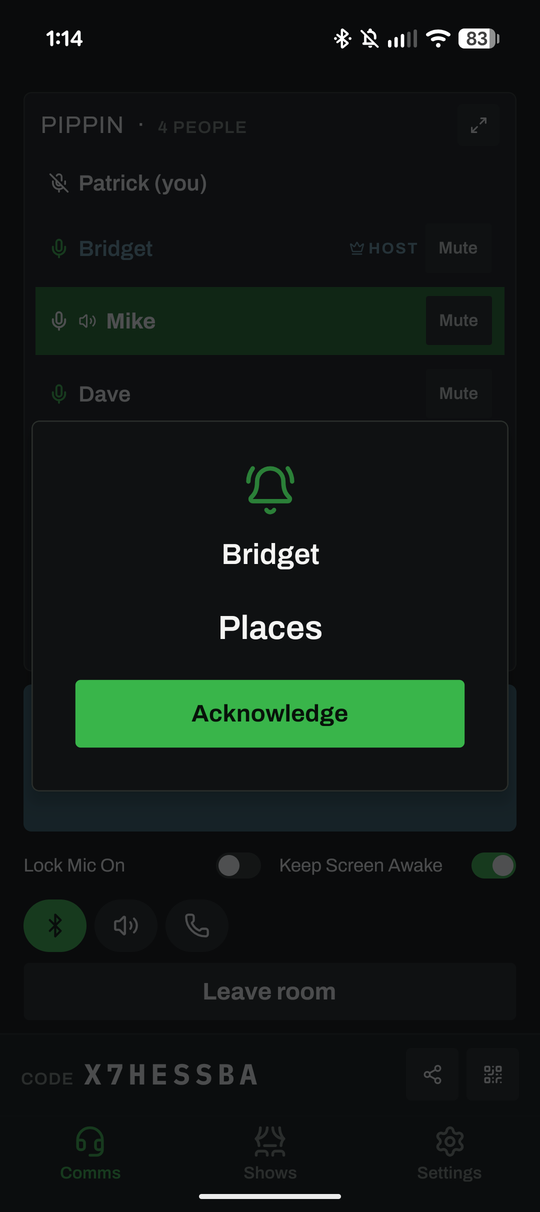
Send "Places" or "5 minutes" to the people you choose, and see who acknowledged.
Shows keep their code
One code for the whole run. Crew tap Join on the show's card every night.
Channels Production and Company
Give LX, sound and deck their own channels, with Main for everyone.
Co-hosts and private talk Company
Share the running of the show, and talk to one person without the whole room hearing.
Works in your pocket
Keeps working with the screen locked, and reconnects by itself after a Wi-Fi drop.
Earbuds, wired or Bluetooth
Whatever your crew already wear, over Wi-Fi or mobile data.
Audio never recorded
Nothing said on comms is recorded or stored.
Calls, with acknowledgements
Send "Places", "5 minutes" or your own message to everyone or just the people you pick. Their phones chime, and you see who tapped Acknowledge.
Private talk Company
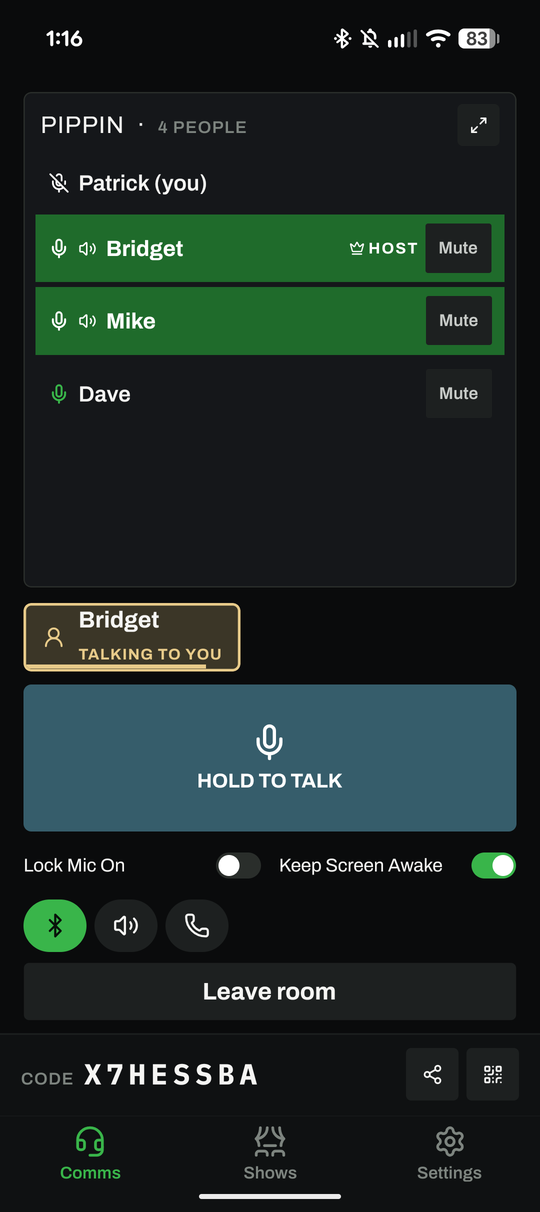
Anyone on comms can talk to one person without the whole room hearing, and they see who is talking to them.
Pricing Launch pricing
One plan for the host. Crew join free.
| Free$0Free to try | Show Pass$49 one-timeOne show, 30 days | Crew$149 /yearA small crew, all year | RecommendedProduction$299 /yearChannels and saved setups | Company$599 /yearThe whole company, all year | Company Pass$199 one-time90 days, one-time | |
|---|---|---|---|---|---|---|
| People in a room | 4 | 12 | 12 | 25 | 50 | 50 |
| Room length | 1 hour | No limit | No limit | No limit | No limit | No limit |
| Rooms | 4 per month | Unlimited | Unlimited | Unlimited | Unlimited | Unlimited |
| Shows that keep their code all run | Not included | 1 | 1 | 3 | 10 | 10 |
| Crew join free, no account | Included | Included | Included | Included | Included | Included |
| Push to talk and Lock Mic On | Included | Included | Included | Included | Included | Included |
| Calls with acknowledgements | Included | Included | Included | Included | Included | Included |
| Channels | Main | Main | Main | Main + 2 | Main + 4 | Main + 4 |
| Saved show setups | Not included | Not included | Not included | Included | Included | Included |
| Co-hosts | Not included | Not included | Not included | Not included | Up to 4 | Up to 4 |
| Private talk | Not included | Not included | Not included | Not included | Included | Included |
| Require crew sign in (optional) | Not included | Not included | Not included | Not included | Included | Included |
Every plan: crew join free with no account, push to talk and Lock Mic On, and Calls with acknowledgements.
Prices in US dollars. Passes are one-time purchases that don't renew. Buy in the app through the App Store or Google Play.
Skip the rental order. Your crew can be on comms tonight.
Coming soon to the App Store and Google Play.
Questions
Before you call places.
Does it work with the screen locked?
Yes. Once you're in a room, lock the phone and put it in your pocket: you keep hearing everyone. On Android an "On comms" notice stays at the top of the screen while you're in a room; that's what keeps it running.
Do crew need an account?
No. Crew open the app, type the room code and a name like "Deck L", and they're on comms. They never pay: the host's plan covers the room.
Can schools pay by invoice?
Schools and companies that need an invoice or a purchase order: email us at info@bck-stg.com.
Is anything recorded?
No. Audio is never recorded or stored. Rooms are joined only with the code the host shares, and the host can change it or remove anyone. Privacy policy.
Which earbuds and headsets work?
Earbuds, wired headsets and Bluetooth headsets: whatever your phone uses for calls. A headset with a microphone near your mouth works best backstage.
Important: AthenaComm runs on phones and venue networks. Never use it as the only channel for flying, rigging, automation, pyrotechnics or any life-safety cue.